Mac app
See where your disk space went.
DiskLens scans a disk or a folder and shows every file by size, so you can find what fills your Mac and clear it.
Coming soon for macOS
macOS 13+
Apple silicon and Intel
Private
Works offline
Built for macOS
Find the large files in seconds.
01
Fast scans
A parallel scan engine reads many folders at the same time. It counts the real space on disk, and treats apps and bundles as one item.
02
Three views
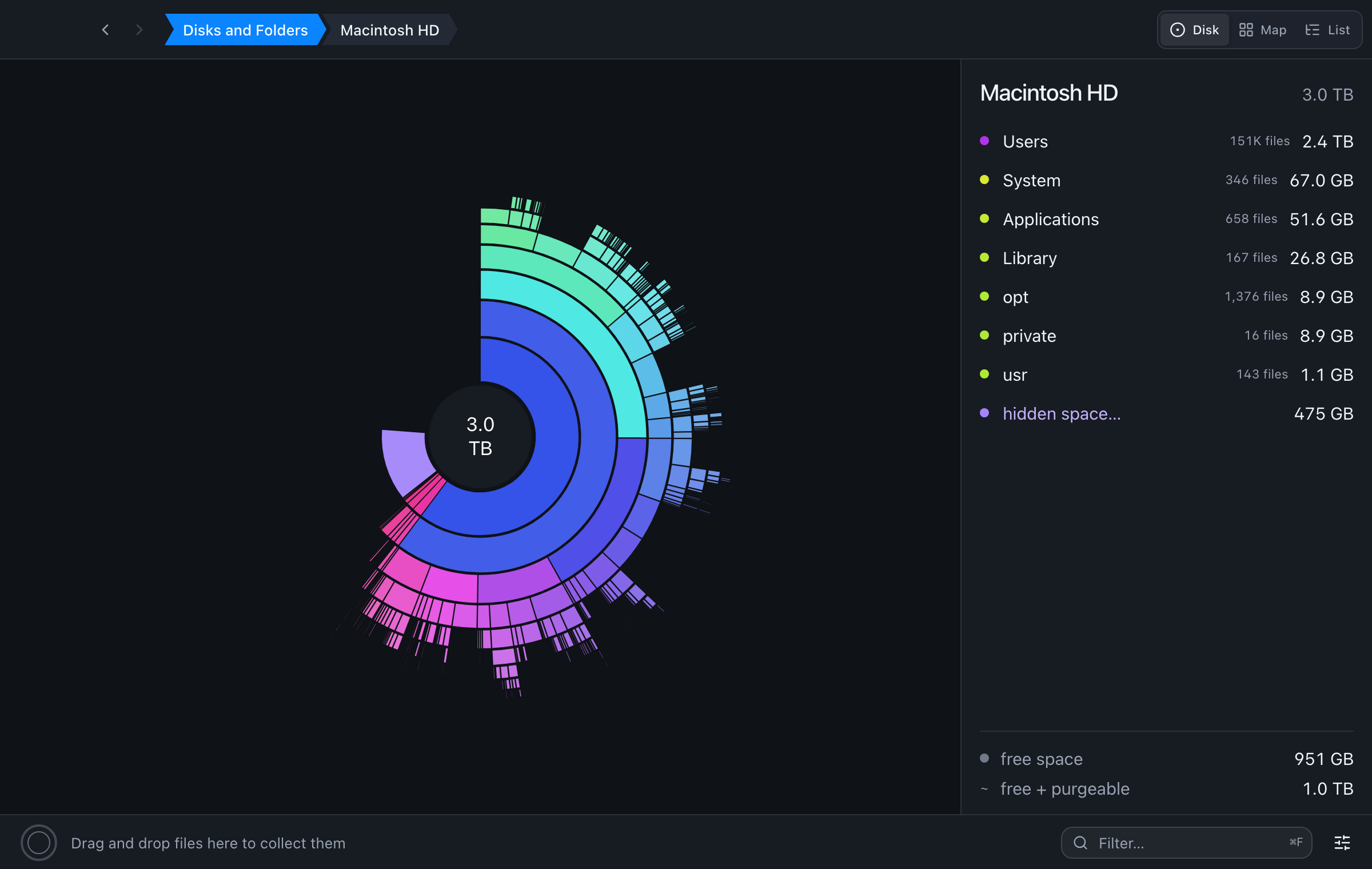
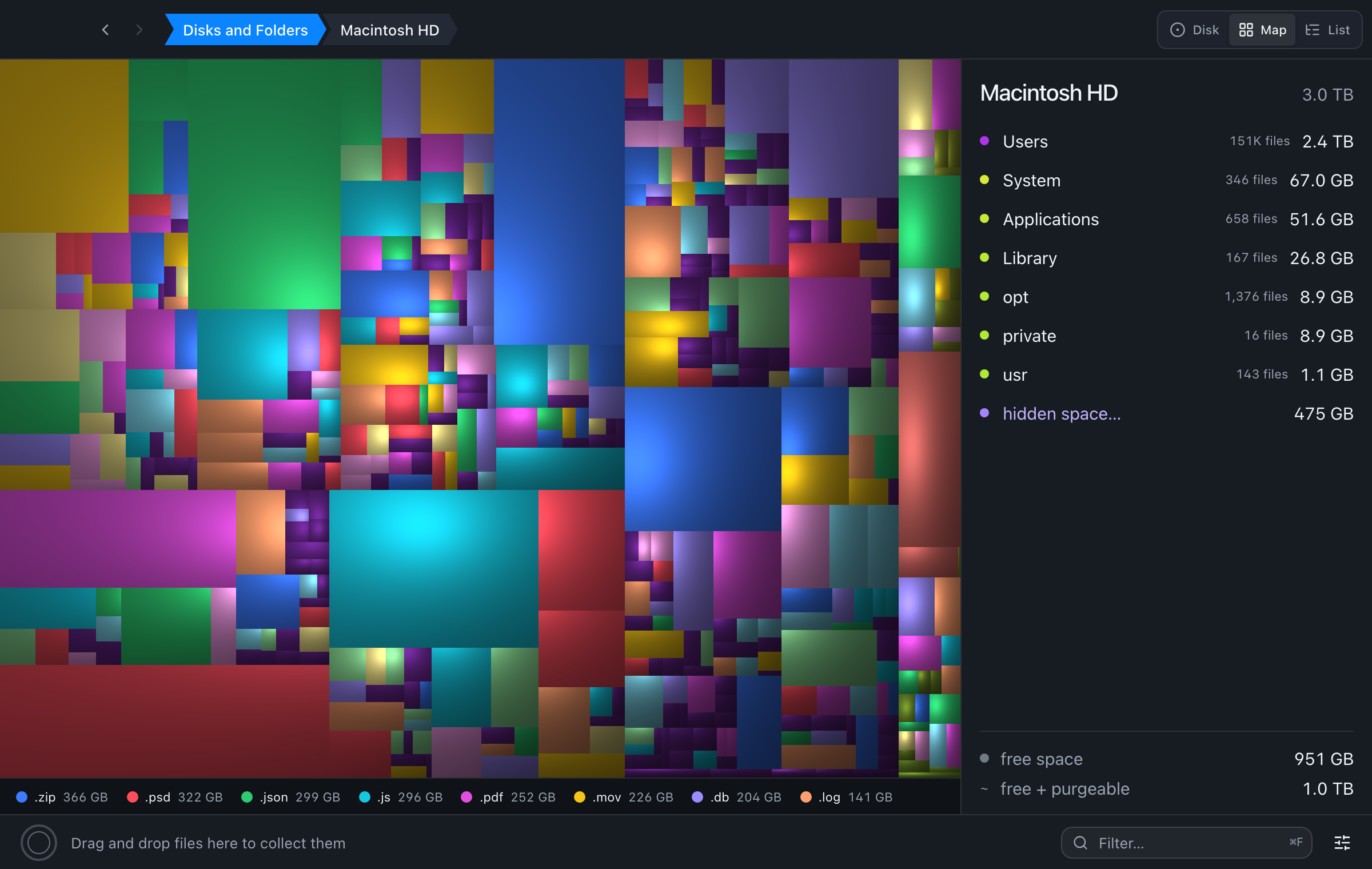
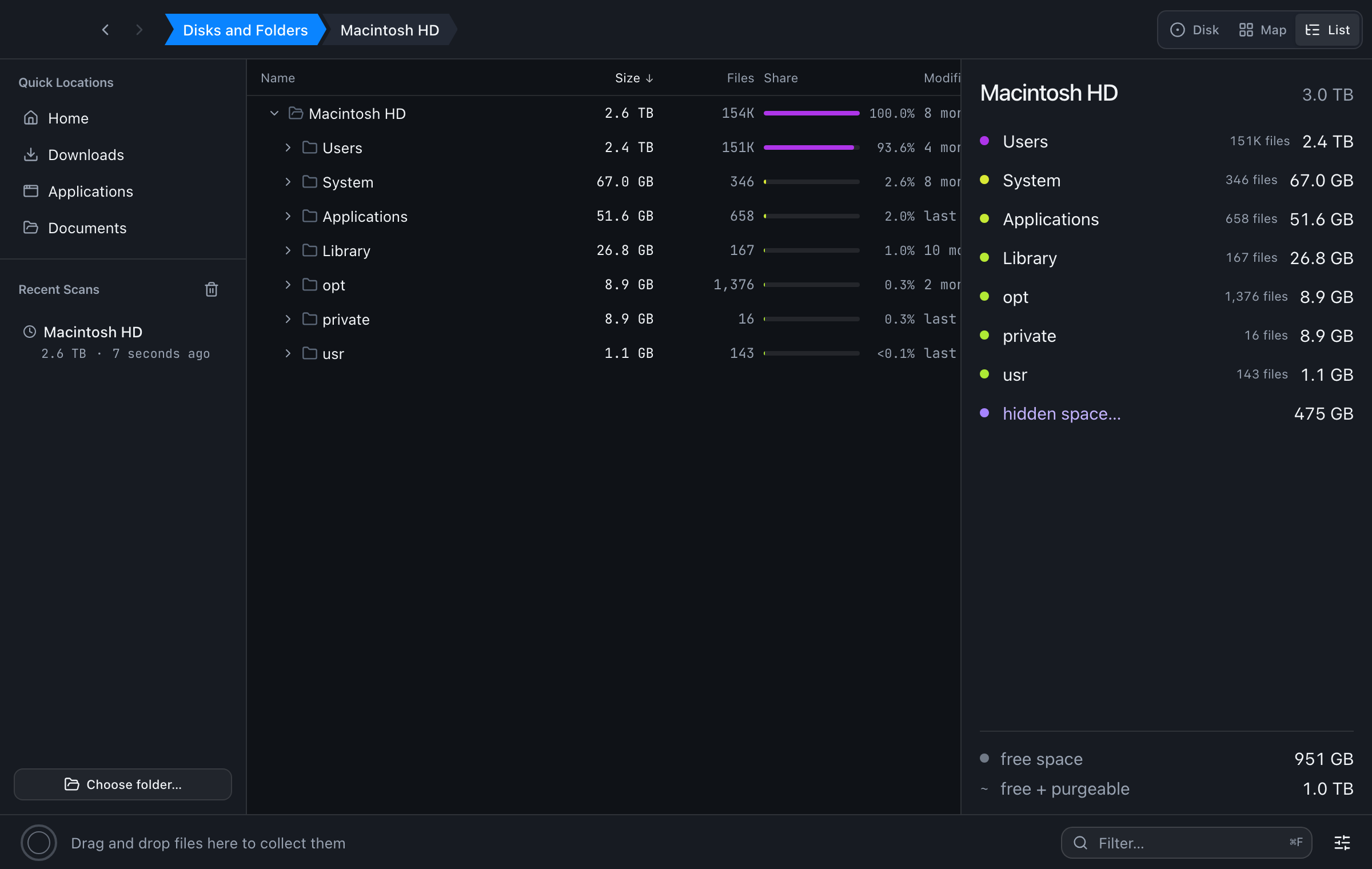
A ring chart, a treemap and a sortable list show the same scan. Click a folder to zoom in. Hover in one view to find the item in the others.
03
Collect, then clean
Drag items to the collector bar, check the list, then move all of them to the Trash. The views update without a new scan.
04
Stays on your Mac
No account, no ads, no tracking. DiskLens makes no network requests. Your scans never leave your Mac.
More tools
Small things that save time.
- See hidden space, free space and purgeable space at the top of a disk.
- Rescan one folder without a full scan. Cancel keeps the old results.
- Press Space for Quick Look on the selected item.
- Cleanup presets find Xcode DerivedData, node_modules, the Homebrew cache and app caches.
- Drop a folder on the window to scan it.
- Keyboard shortcuts for the main actions: zoom, back, Quick Look, reveal in Finder, collect and Trash.
Safe by default
Nothing is deleted without your approval.
DiskLens only reads your files until you tell it to clean. Items go to the macOS Trash, not straight to deletion, and only after you confirm the list. To scan protected folders such as Library and Documents, DiskLens asks once for Full Disk Access and shows you how to give it.
Read the DiskLens privacy policy.
Coming soon for macOS