Mindful Apps × Obsidian

Tools for a clearer thinking space.

Plugins and a theme for writing, comparing sections, working with Bases, organizing folders, and keeping desktop sync running.

6

Plugins

01

Theme

01 / Plugins

Tools for everyday work.

Each plugin solves one specific point of friction while respecting Obsidian’s local-first, plain-text foundation.

Colors and row formatting in an Obsidian Base table

Community plugin

Bases Visuals

Make Obsidian Base tables easier to read with pill colors, formatting rules, and table layouts.

  • Colors for property values
  • Formatting rules for cells and rows
  • Base and view settings stay with their original file
  • Reusable table layouts
View Bases Visuals
Illustration of an application window continuing in the background

Desktop community plugin

Run in Background

Keep Obsidian open in the background so its own sync can continue after you close a window.

  • Background operation on desktop
  • Tray controls and launch preferences
  • Optional start at login
  • Local diagnostic output without argument values
View Run in Background
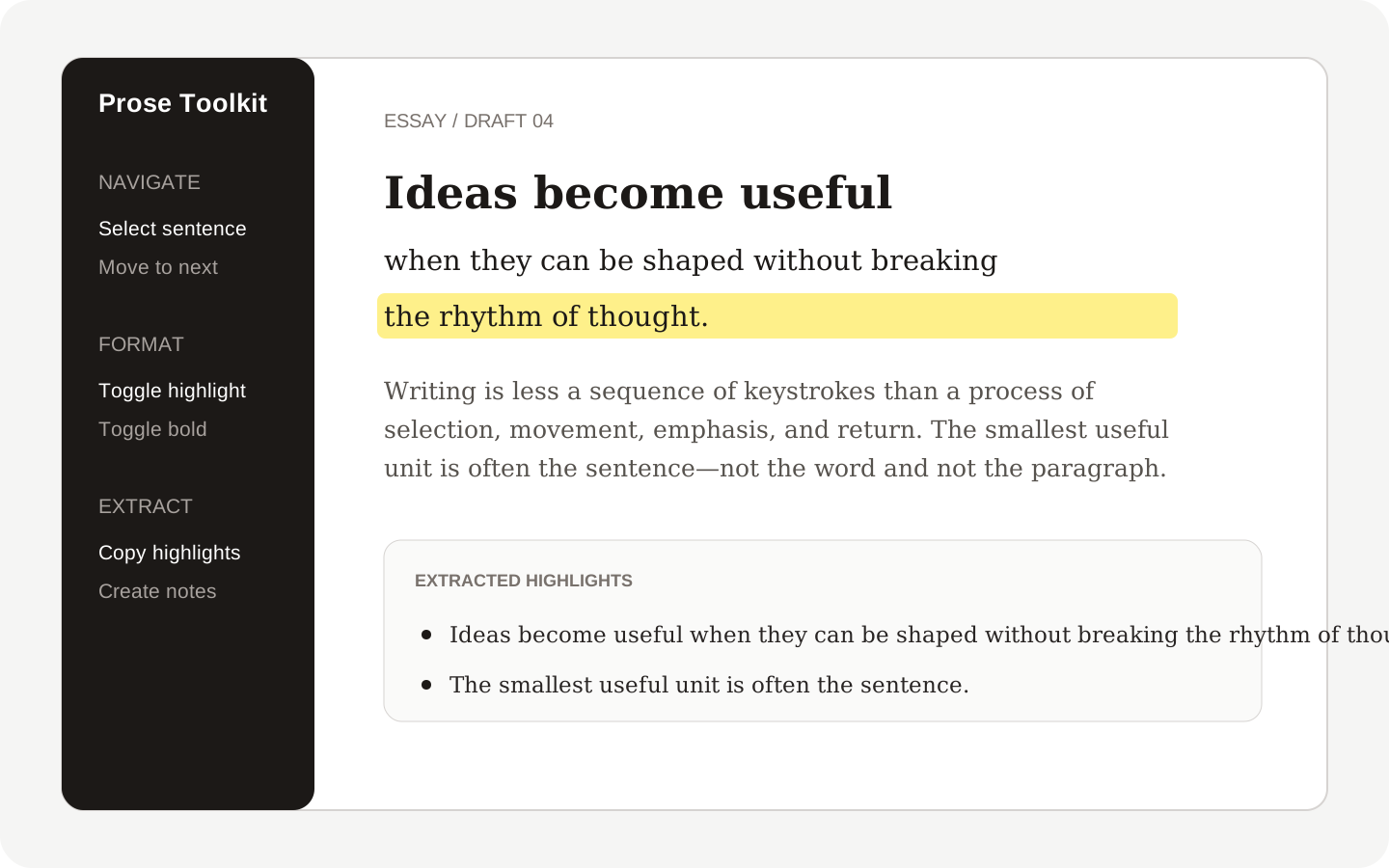
Selecting and extracting highlighted sentences in Obsidian

Community plugin

Prose Toolkit

Navigate, format and extract sentences and highlights without leaving your note.

  • Select, delete and move by sentence
  • Highlight or bold the current sentence or line
  • Extract highlights to the clipboard or a new note
  • Desktop and mobile support
View Prose Toolkit
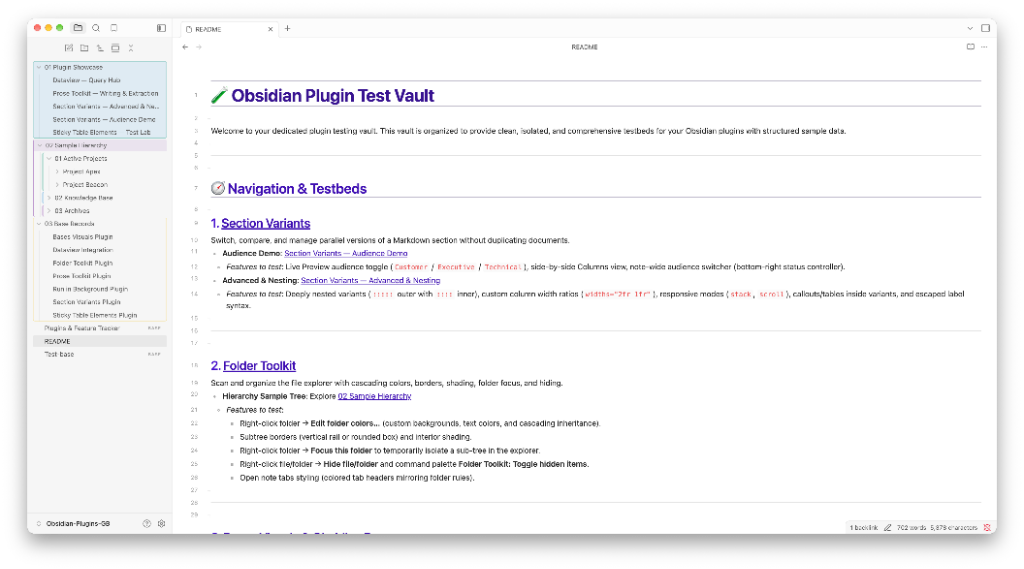
Obsidian file explorer with colored folders, subtree borders and shading

Community plugin

Folder Toolkit

Color, organize, hide and temporarily focus folders in the Obsidian file explorer.

  • Text, background and border colors for folders and notes
  • Rules that style items by name anywhere in the vault
  • Permanent hiding and a temporary focused-folder view
  • Copy and paste appearance between folders and vaults
View Folder Toolkit
Three section variants shown side by side in Obsidian

Community plugin

Section Variants

Keep alternative versions of a section in one Markdown note, then switch or compare them.

  • Switch or compare variants
  • Edit the authored Markdown
  • Reading View and source-pane support
  • Export the current variant or all authored variants
View Section Variants
Illustration of a searchable list of deleted files with a restore button

Community plugin

Trash Explorer for Obsidian Sync

Search, preview and restore files that you deleted from a vault that uses Obsidian Sync.

  • Instant search of deleted files in the name and folder, the name only, or the folder only
  • Filters for folder, file type, deleted date and device, and an option to hide paths that exist again
  • A Content column that shows which deleted files Sync can still preview and restore
  • Flat list and folder-tree views
  • Preview of the last version of Markdown, image, PDF, audio, video and text files
  • Restore to the original path or to a different folder, one file or many, without overwriting an existing file
View Trash Explorer for Obsidian Sync

02 / Theme

A quieter place to think.

Lucy gives every note room to breathe, with careful hierarchy and less interface noise in both light and dark mode.

Lucy theme in an Obsidian writing workspace

Community theme

Lucy

A clear writing theme for Obsidian, with matching editions for Typora and Zed.

  • Light and dark palettes
  • Readable text with default or custom accents
  • Clear lists, quotes and headings
  • Editions for Obsidian, Typora and Zed
View Lucy

Built for Obsidian

Your notes stay yours.

Focused tools, clear interfaces, and no unnecessary layer between you and your work.

Explore Obsidian