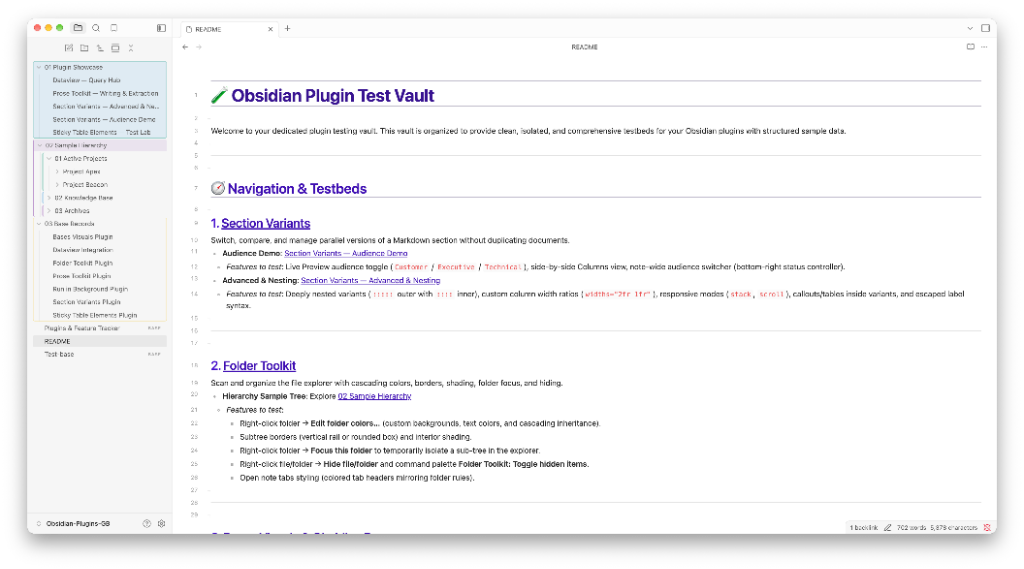
Folder Toolkit
Color, organize, hide and temporarily focus folders in the Obsidian file explorer.
Obsidian 1.13.0 or later, on desktop or mobile.
What it does
- Text, background and border colors for folders and notes
- Rules that style items by name anywhere in the vault
- Permanent hiding and a temporary focused-folder view
- Copy and paste appearance between folders and vaults
Your files and settings
Folder Toolkit stores vault-relative paths and visual preferences in the vault's plugin configuration. It does not change note content or frontmatter. It sends no telemetry and makes no network requests. With Nested vaults turned on, it also reads and writes the Folder Toolkit settings file of vaults that are folders inside the current vault.
Obsidian controls the file explorer and any vault synchronization. Every device that uses a synced vault must run a current version of Folder Toolkit, or an older version can remove rules for moved items.