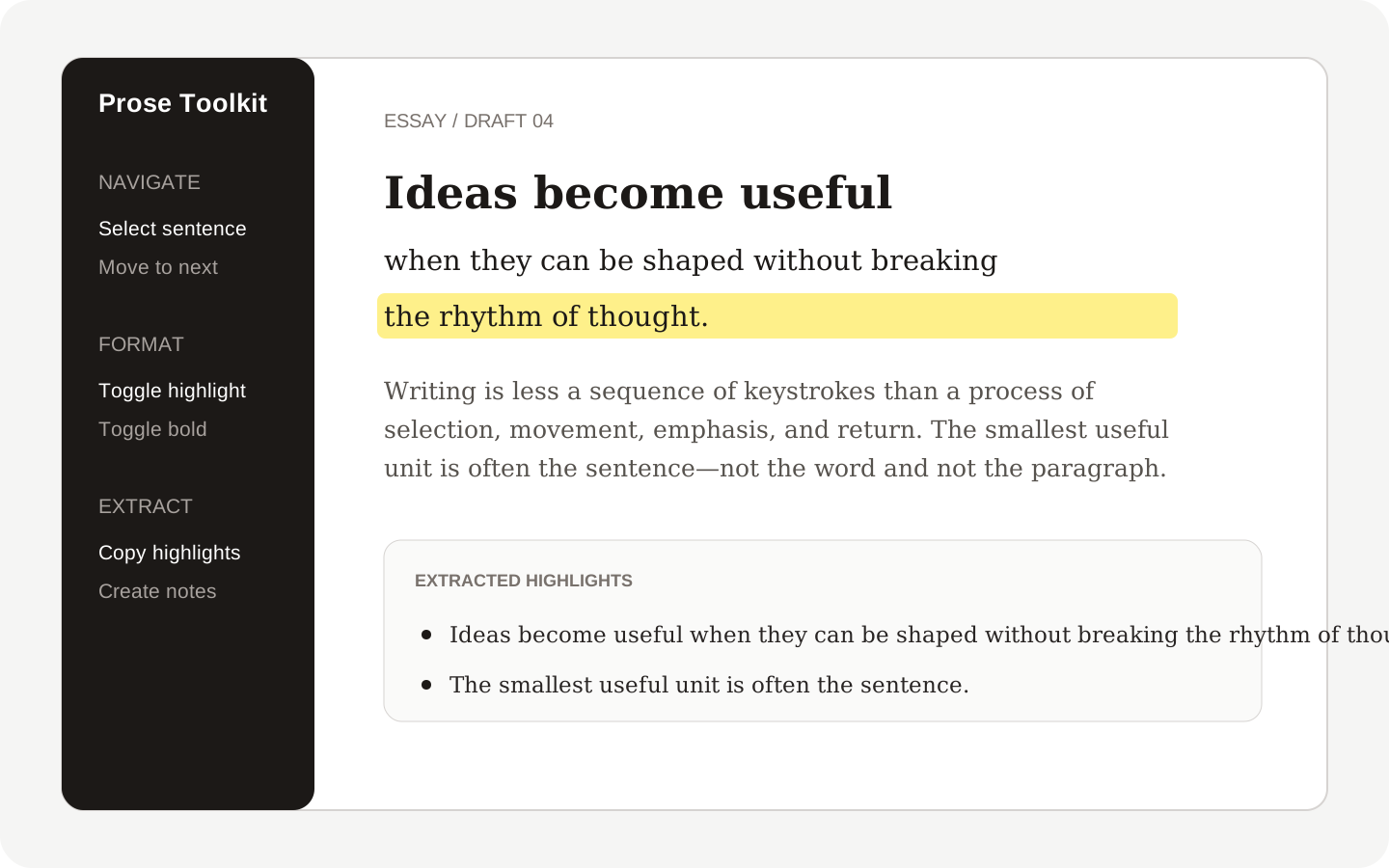
Prose Toolkit
Navigate, format and extract sentences and highlights without leaving your note.
Obsidian 1.13.0 or later, on desktop or mobile.
What it does
- Select, delete and move by sentence
- Highlight or bold the current sentence or line
- Extract highlights to the clipboard or a new note
- Desktop and mobile support
Your files and settings
Prose Toolkit reads and edits the active note when you run one of its commands. When you extract highlights, it copies the result to the clipboard and, if you turn this on in settings, creates new notes in your vault. It never overwrites an existing note. It sends no telemetry, makes no network requests and loads no remote code. Settings and settings recovery files are stored in the plugin folder of the vault.
Obsidian controls file access, the clipboard and any vault synchronization. Other plugins that use the same notes have their own behavior and policies.